What are the controls?
We have HUD buttons and order names, not a full key list. Settings toggles Helping Arrow, Low Graphics, and Music. Combat in CHALLS shows a Glock-17 Auto with 17 rounds. Late plots add Missions under Setting.
Command
Four order names are recorded. The button is the green radio, third on the left HUD. Unused squads are a Cash leak.
Updated
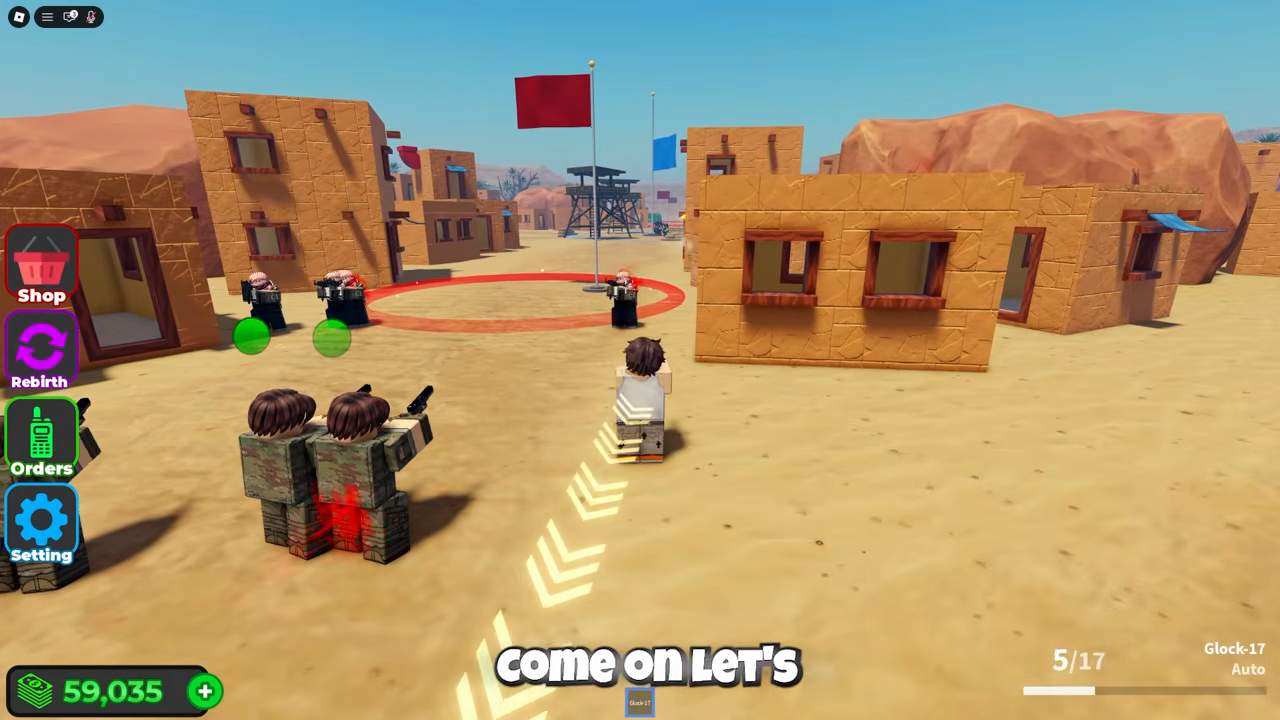
Yellow or white chevrons on the floor are the Helping Arrow toggle inside Settings. They point at the next pad or the next flag. They do not issue Attack. You can turn them off in Settings if they clutter the shot.
A Base 1 plate appears under the avatar in CHALLS. That is your plot label, not a command.
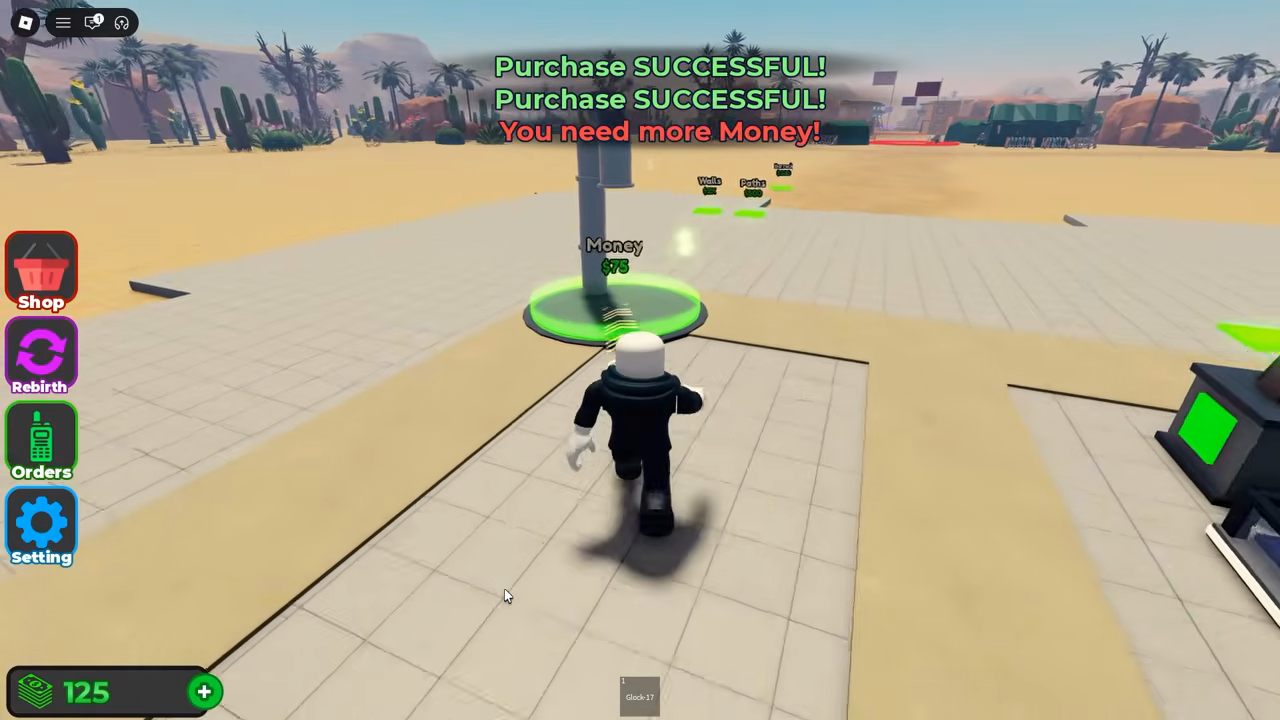
The official description says you send troops into battle and capture locations. That sentence assumes a command layer. Players who only buy droppers never open the green radio.
A Battle Action post asked for alliances because “we don’t intend to harm them but the npc does.” The site cannot add an alliance tool. Hold and Retreat are the only sourced answers.
Max players is 6. Plots get contested. If a capture fails, check whether your squad is still on Follow into someone else’s troops or an NPC lane.
The recorded orange clipboard labelled Missions opens a task board. Orders remains the green radio for squad commands. Use Missions for a reward such as Riot Squad or Ural Truck, and Orders to move the squad.
DinozaurPlays (VjxGWbiSce8) shows both icons. Earlier clips show only four buttons. The footage does not establish the exact unlock condition for Missions, so its absence is not proof that more Cash, codes or a capture is required.
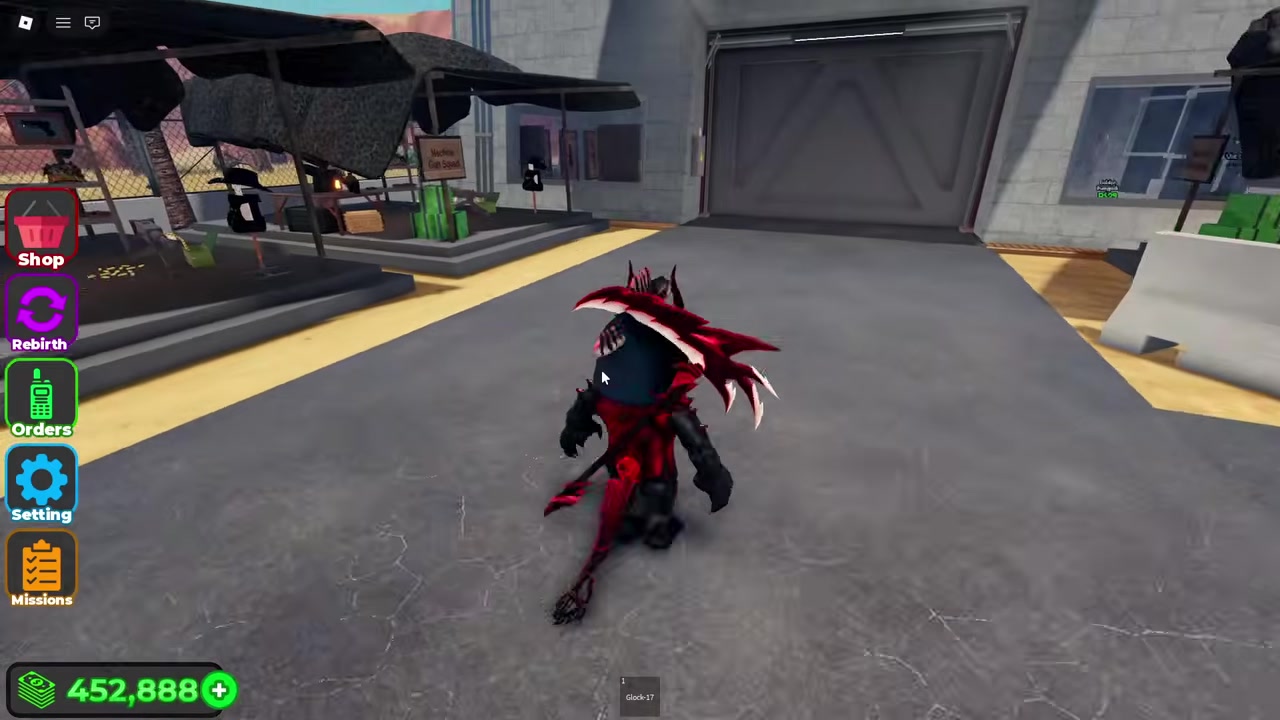
Keybinds, controller mapping, and whether orders are per-squad or global are not in the official description. A keyboard graphic copied from Military Tycoon is guessing. Open the green radio and read the live labels. If a pad flashes You need to complete the required mission first!, that message belongs to Missions, not to Follow or Attack.
FAQ
We have HUD buttons and order names, not a full key list. Settings toggles Helping Arrow, Low Graphics, and Music. Combat in CHALLS shows a Glock-17 Auto with 17 rounds. Late plots add Missions under Setting.
Not as an official feature we can point to. Use Hold and Retreat.
No. Orders is the green radio that issues Follow and Attack. Missions is the orange clipboard that lists named tasks such as Oppression.